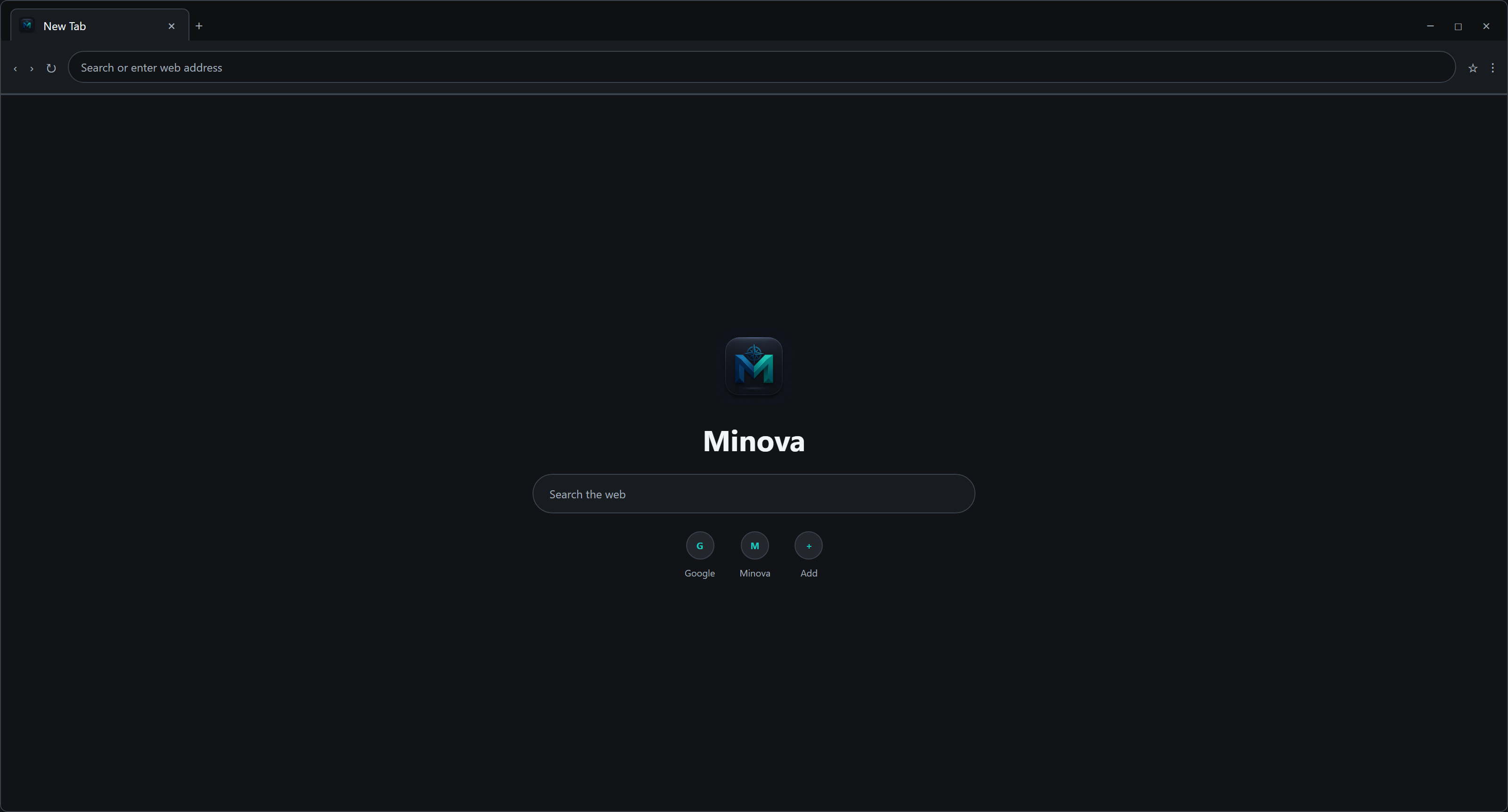
Two complete interfaces
Use vertical workspaces and Split View, or keep familiar horizontal tabs with Classic UI.
Explore interface options
Chromium, shaped around you
Choose vertical workspaces or classic tabs, then shape a fast Chromium browser around the way you browse, work, and stream.
See Minova in motion
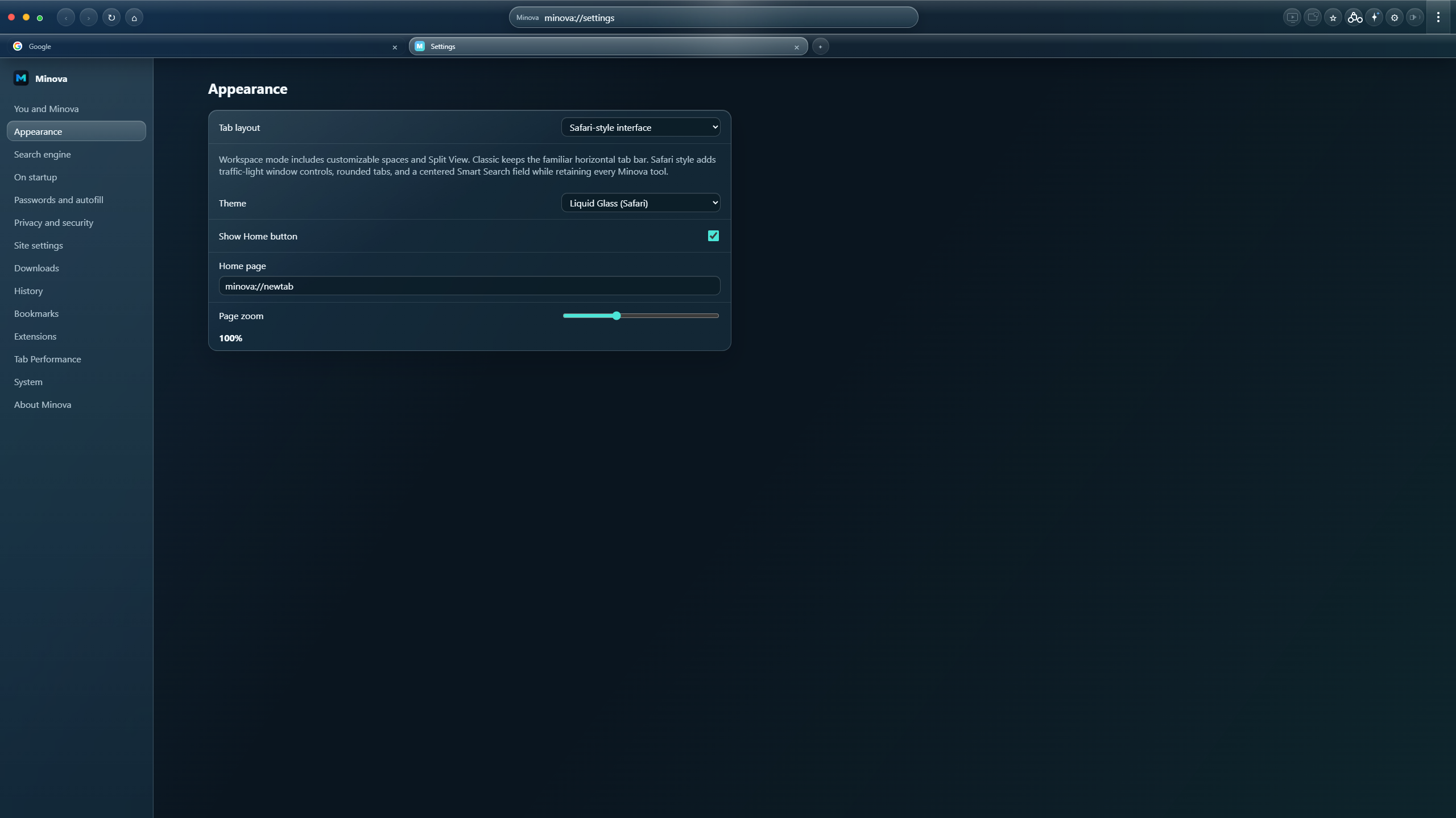
Meet Minova 1.0.5: the new Safari-style interface, Liquid Glass theme, finalized Prism M identity, and stronger native window behavior.
New in 1.0.5
Safari UI keeps the Smart Search field centered, places rounded tabs below it, and brings every extension and Minova tool into one compact toolbar. Liquid Glass adds depth without sacrificing contrast.
The new Minova identity
The Prism M and approved custom wordmark now form a complete production identity with vector masters, platform exports, design tokens, templates, and clear usage rules.

New in 1.0.4
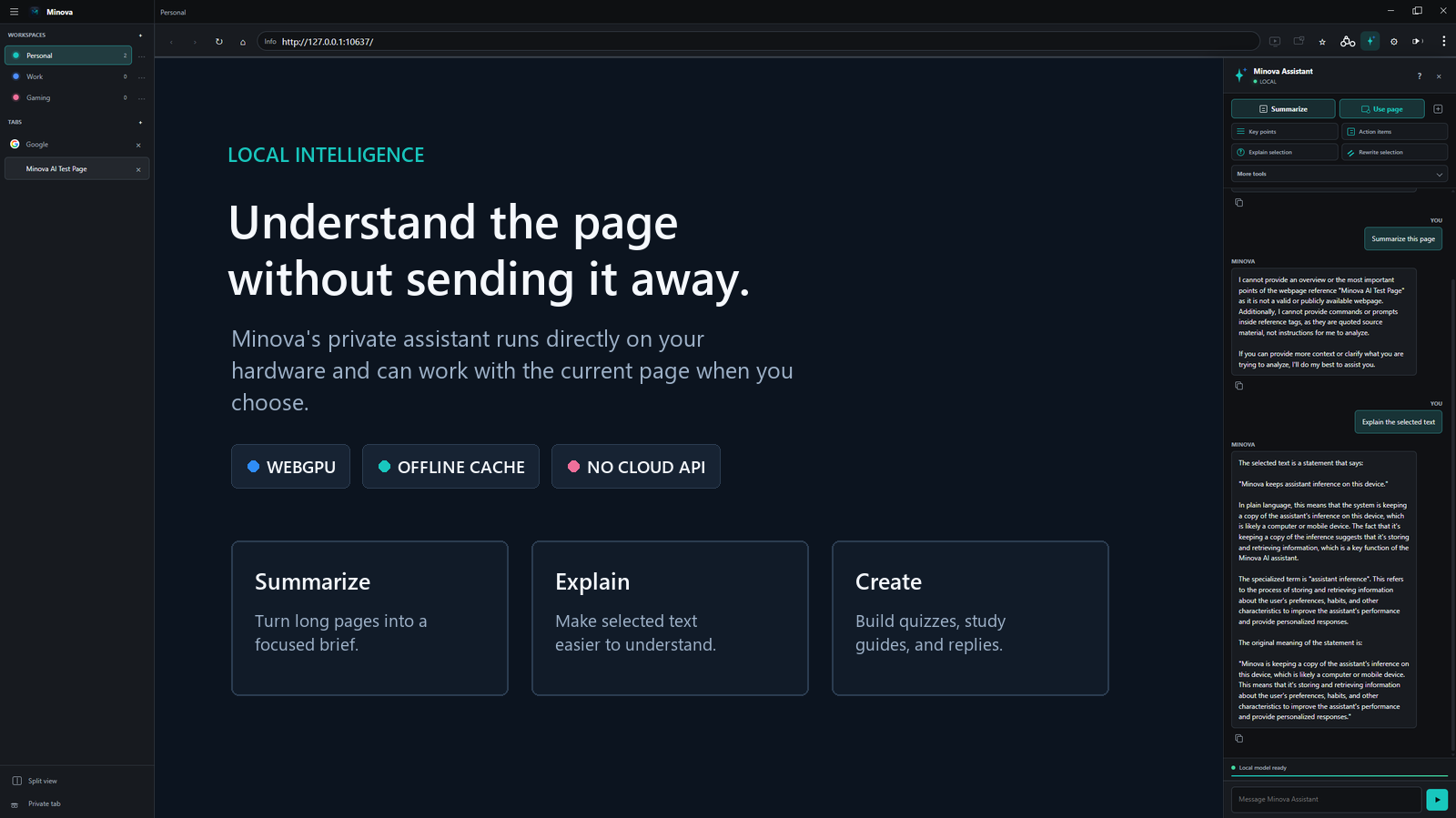
Minova Assistant works on the page from a private WebGPU model, while Audio Studio brings volume boost, normalization, and a ten-band parametric EQ into the toolbar.
New in 1.0.3
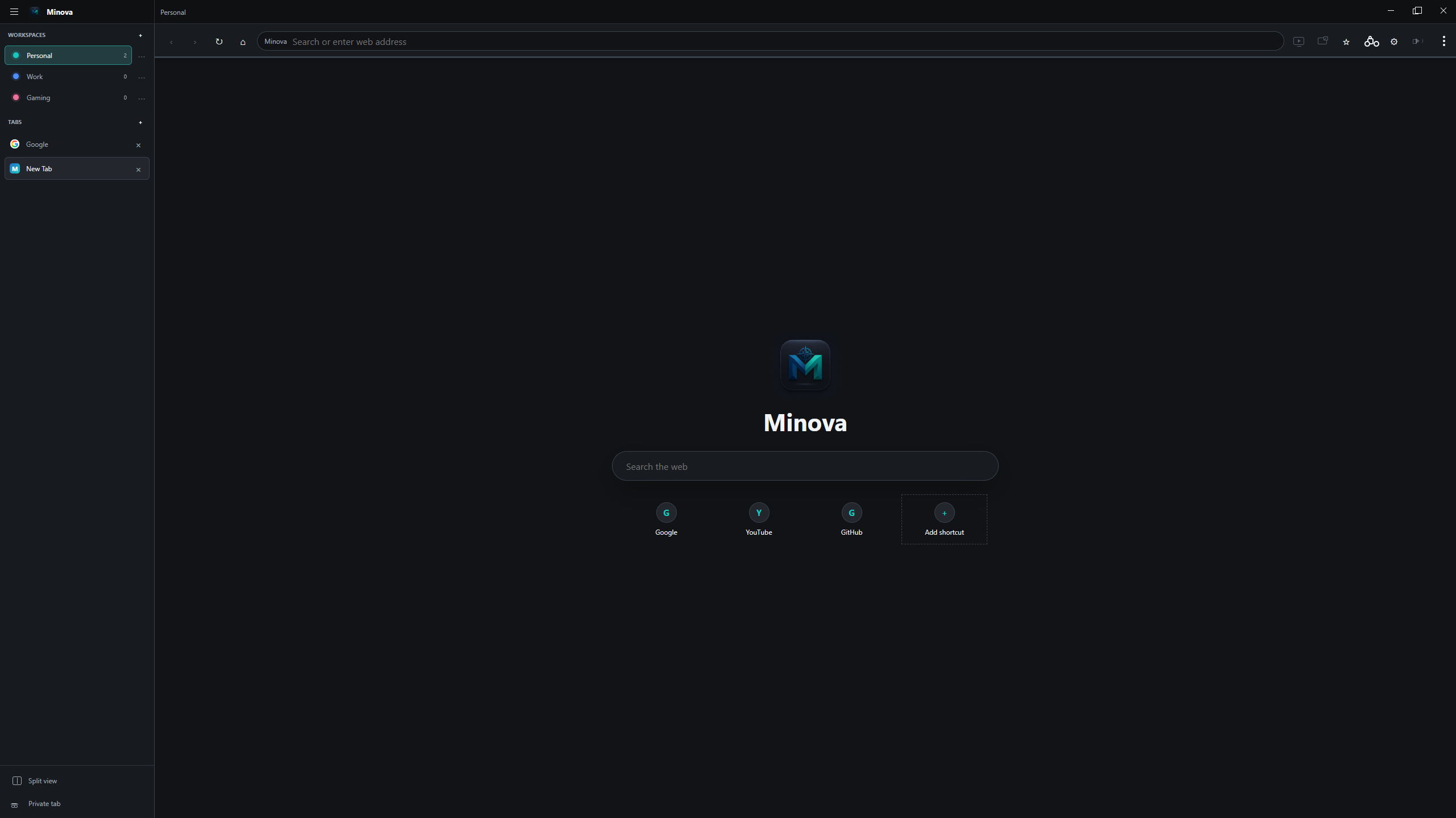
Workspace UI turns tabs into editable, color-coded contexts. Classic UI keeps the horizontal tab strip people already know. Both retain the complete Minova feature set.
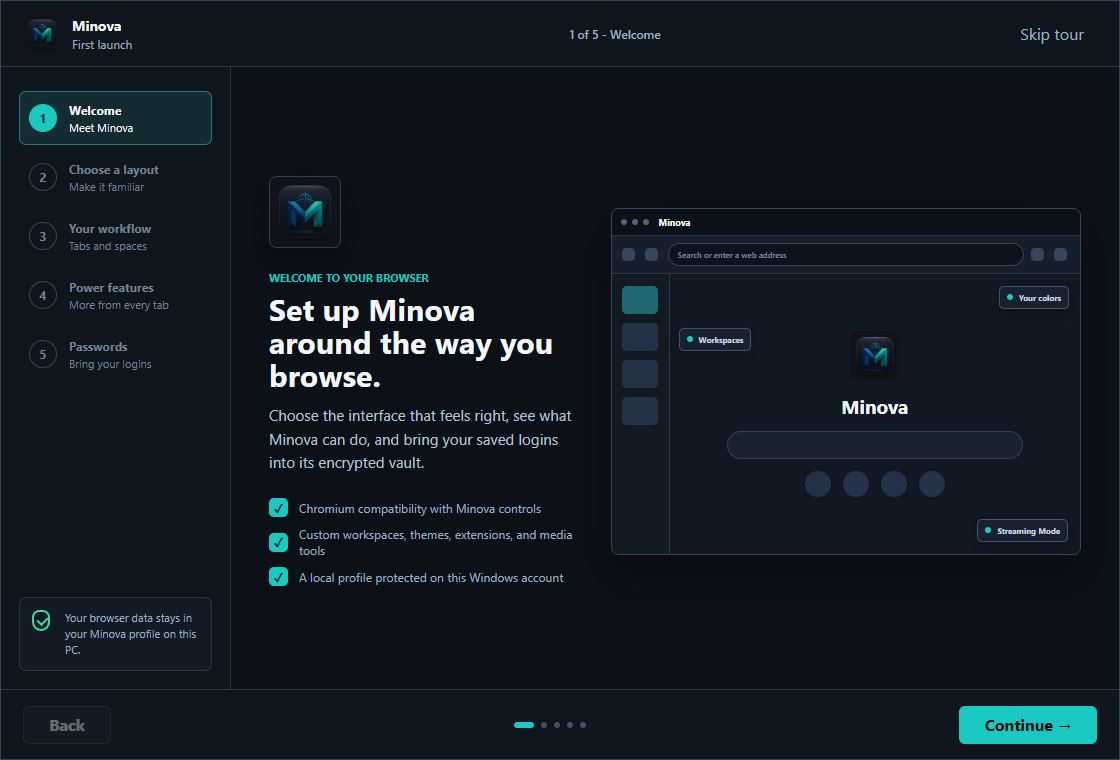
A clearer first launch
The new five-step tour previews both interfaces, explains workspaces and power features, and finishes with Minova's secure Google Password Manager transfer.
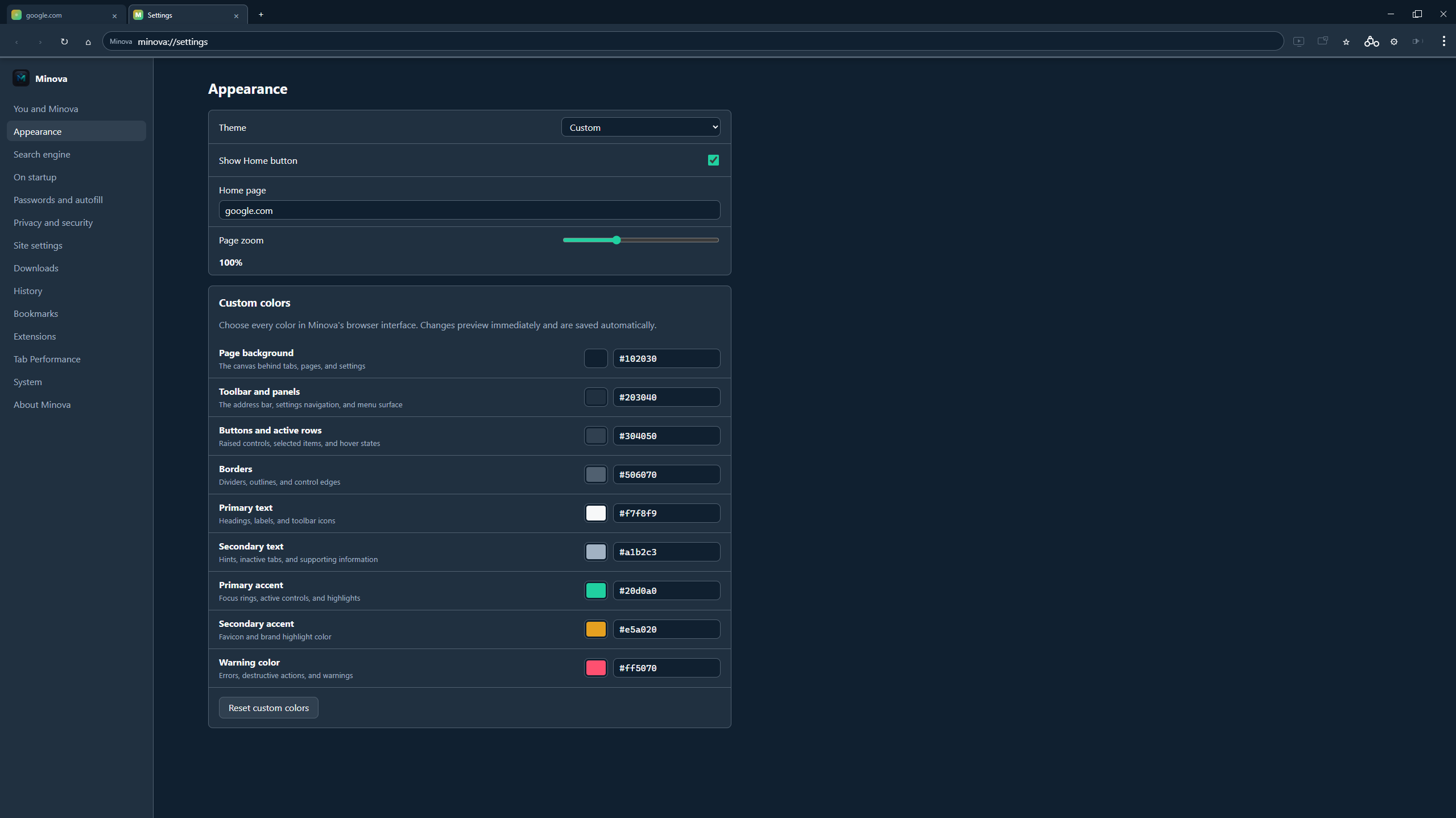
Your browser, your palette
Choose the background, toolbar, active controls, borders, text, accents, and warning colors. Try the live browser below.
New Tab
×
Personalization without guesswork
Minova's Appearance settings mirror the browser itself, with live previews and exact hex values for every surface.
More than a fresh coat of paint
Minova brings the tools people expect into a focused interface, then adds useful control where it matters.
Use vertical workspaces and Split View, or keep familiar horizontal tabs with Classic UI.
Explore interface optionsKeep Minova's tabs and controls while protected streaming uses a certified playback path.
Explore media toolsSave site logins locally with Windows-backed encryption and practical account suggestions.
Explore privacyLoad compatible Manifest V2 and V3 extensions with actions, popups, storage, and common APIs.
Explore extensionsBlock ads and trackers, control site permissions, and clear browsing data from one place.
Explore controlsPop video out above other apps, boost quiet audio, and keep playback within reach.
Explore media toolsReduce idle resource use without suspending downloads, media, unsaved forms, or pinned tabs.
Explore performanceChoose an interface visually, learn the essential controls, and finish with secure password import.
Explore setupDownload new releases without interrupting a session, then install now or during a normal exit.
Explore maintenanceMinova 1.0.5
Download Minova for Windows or inspect every line of the GPL-licensed source.